|
How to recover your domain from redemption
To restore a domain in Redemption status, follow these steps.
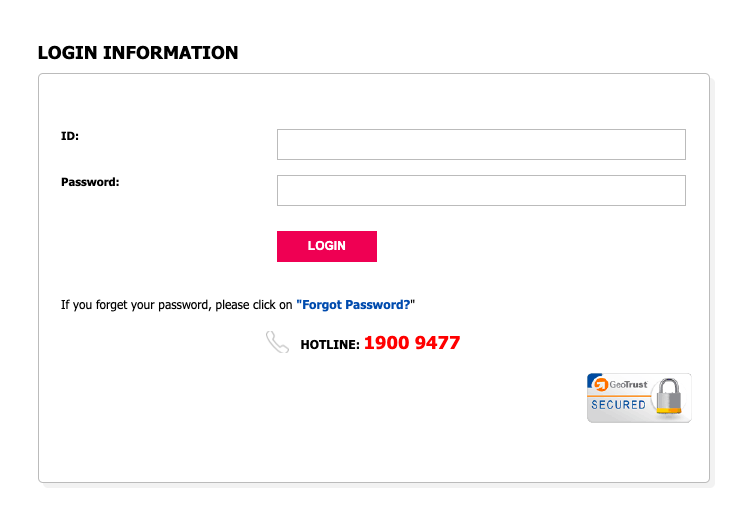
1. Log in to the domain management account.
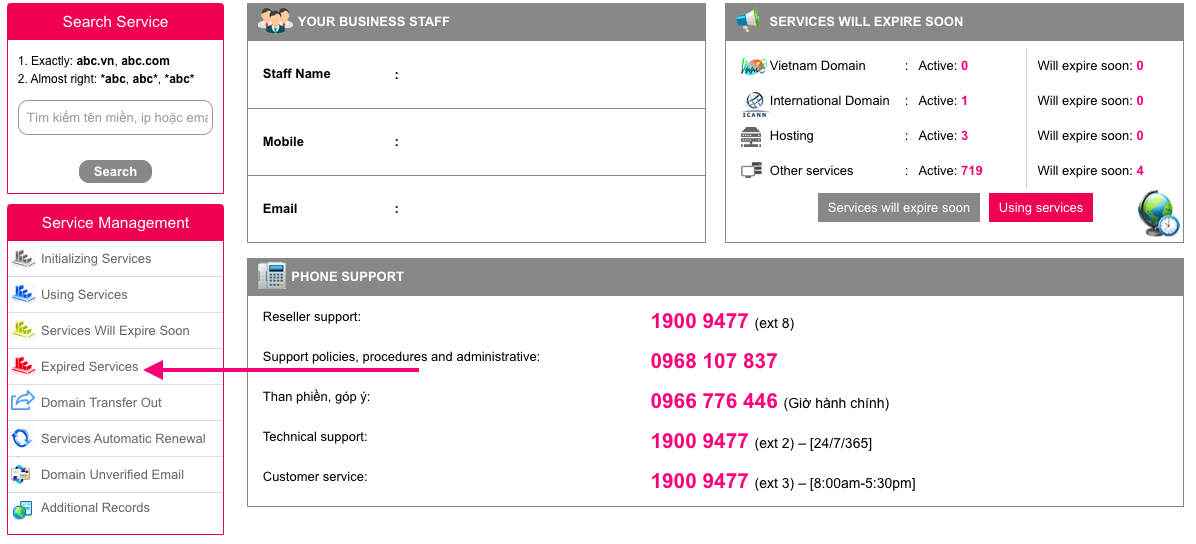
2. Access the list of services in the account.
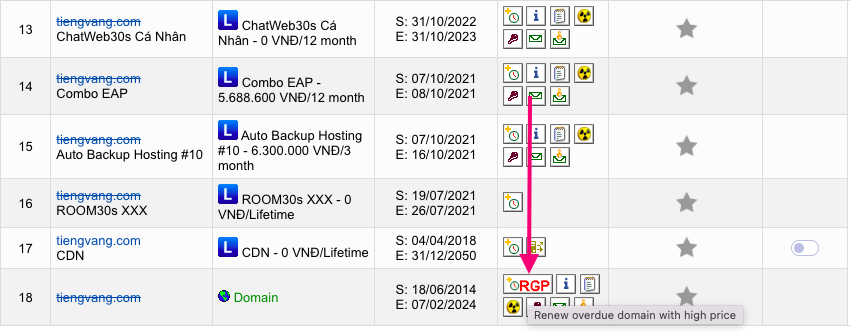
3. Select the service that needs to be restored and click on the 'Restore Domain' button. The system will generate a domain restoration order and send it to the domain management account holder.
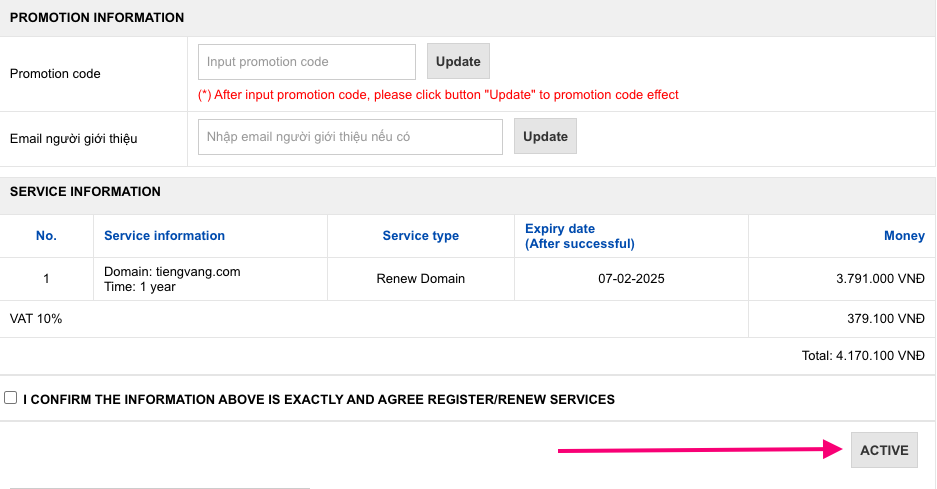
4. Proceed to pay the domain restoration fee according to the payment information on the order.
5. After successfully restoring the domain, the system will send an email to the domain management account holder confirming the restoration information.
6. The domain management account holder should verify the domain information to ensure that the restoration and domain renewal time are in line with the requirements.
|


 Hỗ trợ
 Giỏ hàng
 Đăng nhập


